
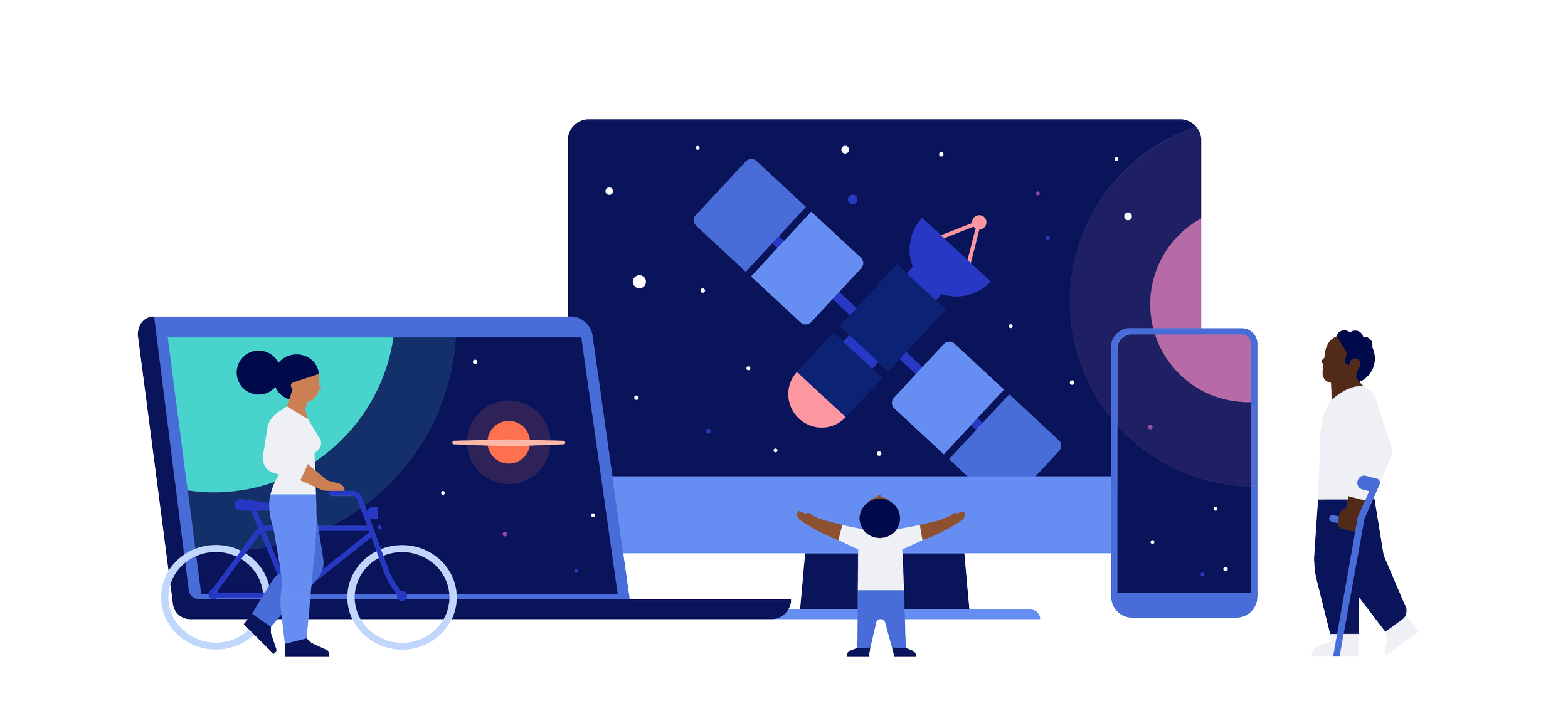
Welcome to our new web-based Planner magazine!
~ larger for reading ~
~ more embedded content ~
~ mobile friendly ~
This web-based magazine is optimized for multiple devices such as desktops, laptops, tablets, and phones—however, we cannot possibly test all our viewers’ technologies, so we have aimed for as broad a working “sweet spot” as possible. If you have difficulty with this web-based Planner, it is most likely due to the fact this magazine project and your technology do not work together. Please do not contact the station for this issue. If you are having technical difficulties on this webpage, go to our classic PDF Planners as an alternative.
Thank you for your understanding and patience.
~ Your PBS Michiana Planner Team
For site issues, you can also read below:
Having Trouble Viewing Our Site?
If pages are loading completely blank, images are missing, or you are unable to complete a checkout, your web browser or device may be conflicting with our website platform. Please check the guidelines below to resolve the issue.
🚫 Incompatible Browsers & Devices
Our website uses modern web features that are completely unsupported by the following outdated setups:
Internet Explorer: All versions are blocked and will fail to load the site entirely.
Older Apple Devices: iPhones or iPads stuck on iOS 12 or older (such as the iPhone 6 or older iPad models).
Older Android Devices: Phones or tablets running Android 7.0 or older.
Opera Mini: This browser's data-saving compression breaks our site animations and secure shop checkout.
Outdated Mainstream Browsers: Standard browsers (Chrome, Safari, Edge, Firefox) that have not been updated in several years.
⚙️ Required Browser Settings
If you are using a modern device but the site is still broken, check your browser settings:
Enable JavaScript: Our design engine requires JavaScript. If it is disabled, the website will appear as a blank or scrambled page.
Enable Cookies: Secure checkout and shopping carts require cookies to remember what you are buying.
Check Ad-Blockers & VPNs: Highly aggressive ad-blockers or privacy extensions can accidentally block the safe servers where our images are stored. Try pausing your ad-blocker or VPN temporarily.
Reset Zoom Settings: If text looks cut off or overlaps awkwardly, ensure your browser zoom is set to 100% (Press Ctrl + 0 on Windows, or Cmd + 0 on a Mac).
✅ Recommended Setup
For the absolute best and most secure browsing experience, we officially recommend using the latest versions of these modern browsers:
Google Chrome
Apple Safari
Mozilla Firefox
Microsoft Edge
This directive was written by AI because we didn’t know the entire scope of what would or wouldn’t work!